test6
My Personal TF2 Config
We all know how bad the TF2 default settings are, but what bothered me the most was that I always had to redo all my settings and mods. So I finally came up with a great way to manage mods. Git is awesome when programming for version control. So i thought why not use it for managing mods? We’ve all had that moment where you screw something up and don’t know how to fix it because its lost in a sea of files and random changes. Not anymore. Anyone who has used git before knows it's very easy to always roll back. Download the lastest config
Visuals
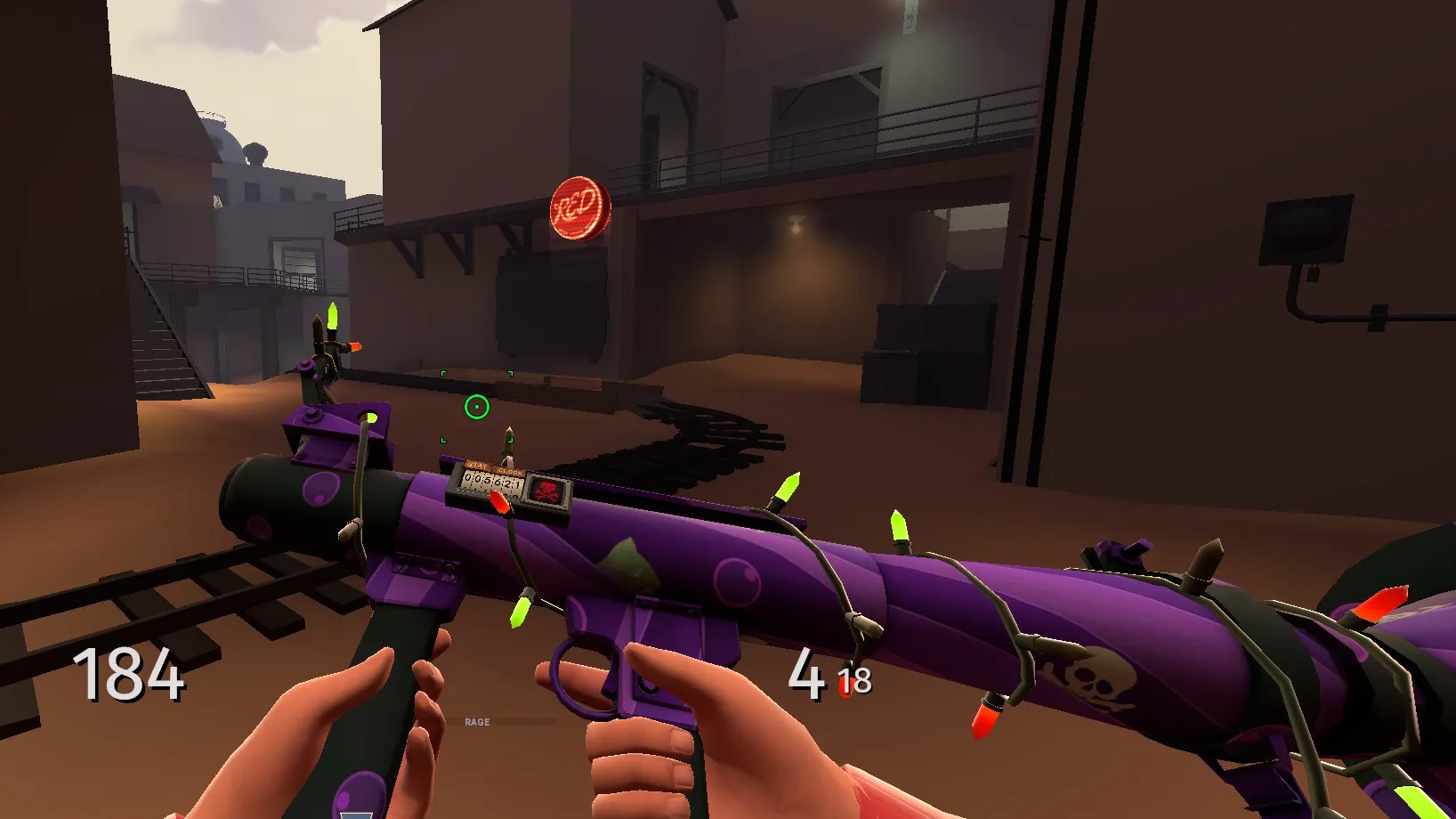
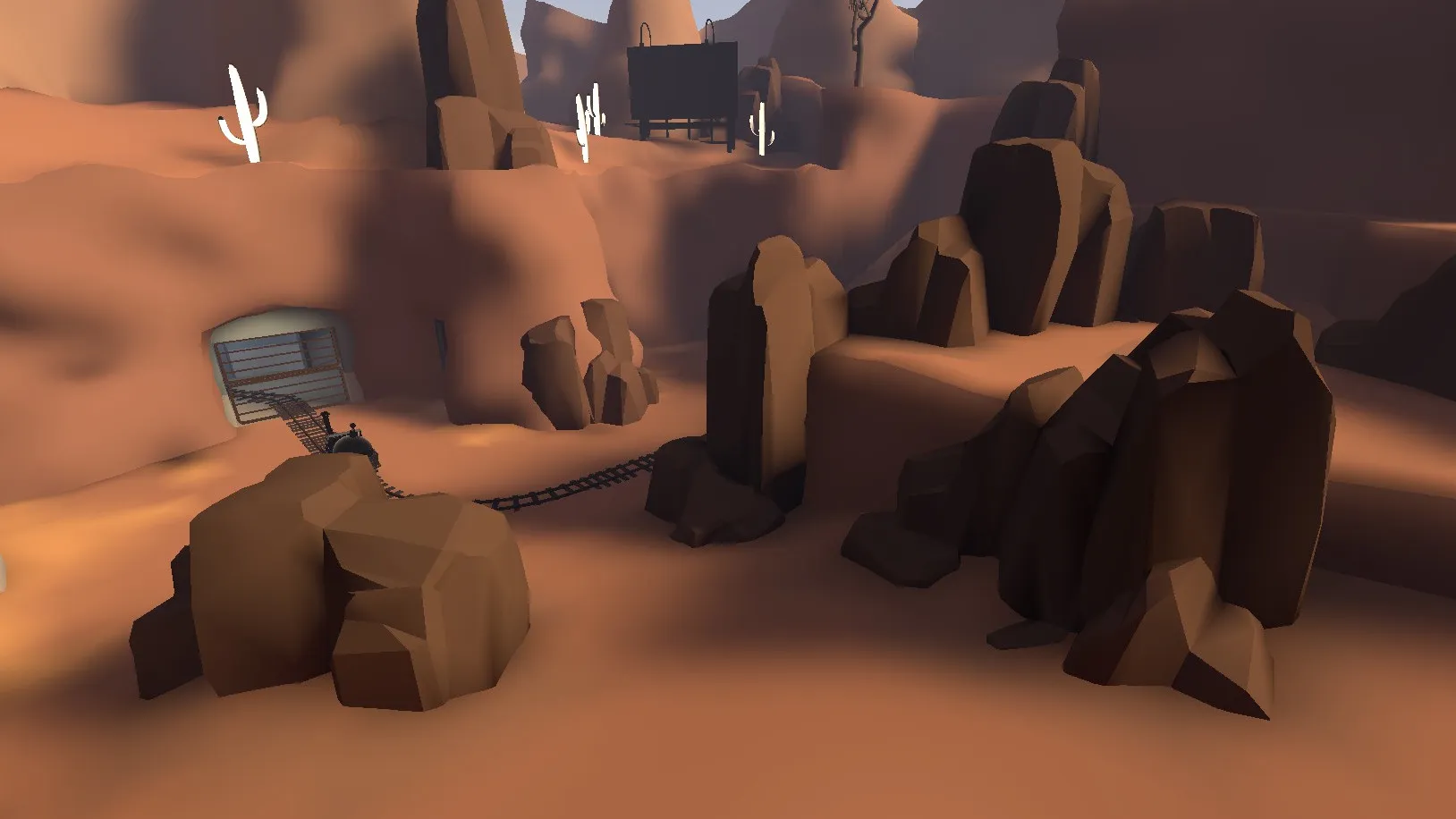
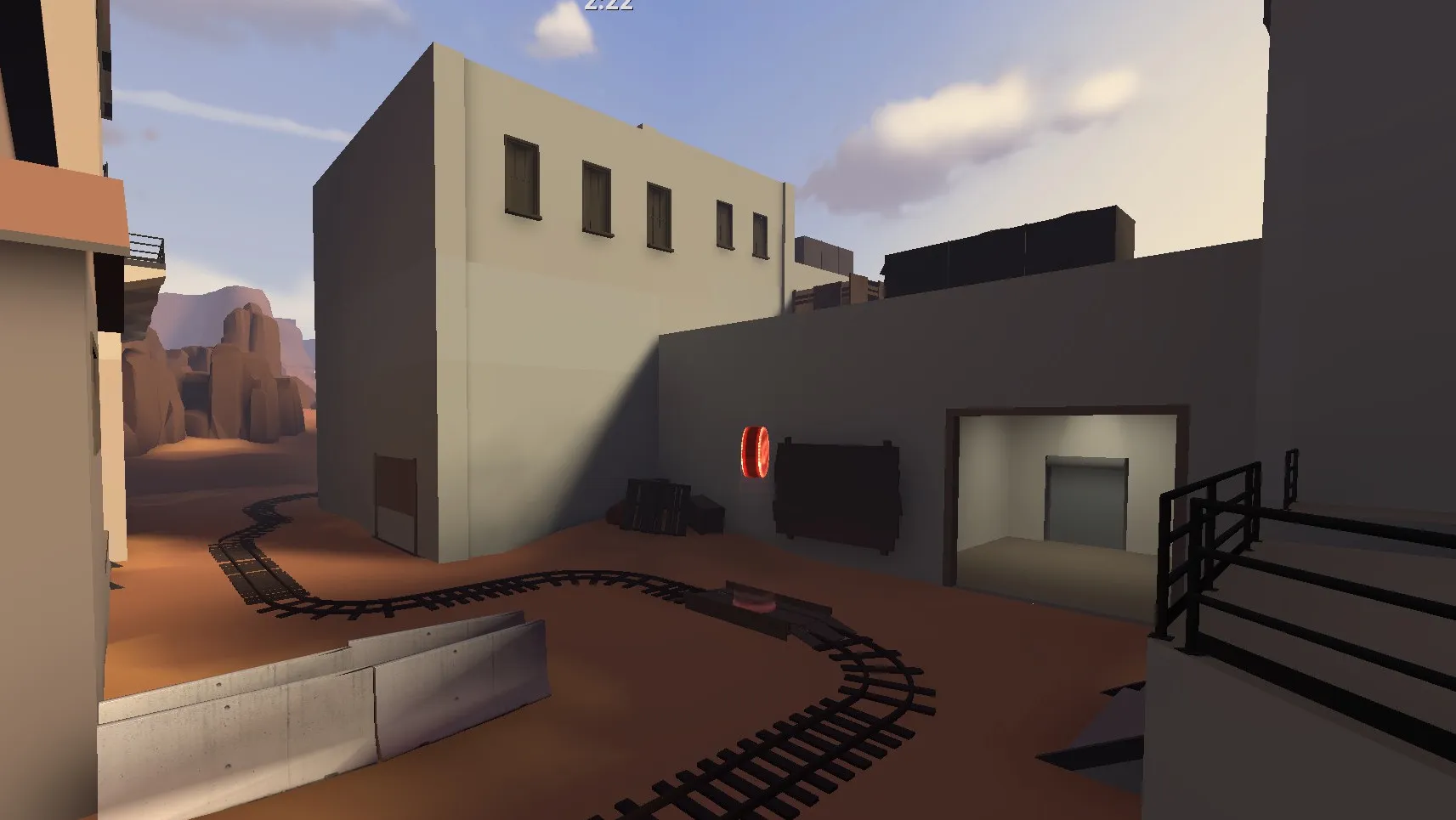
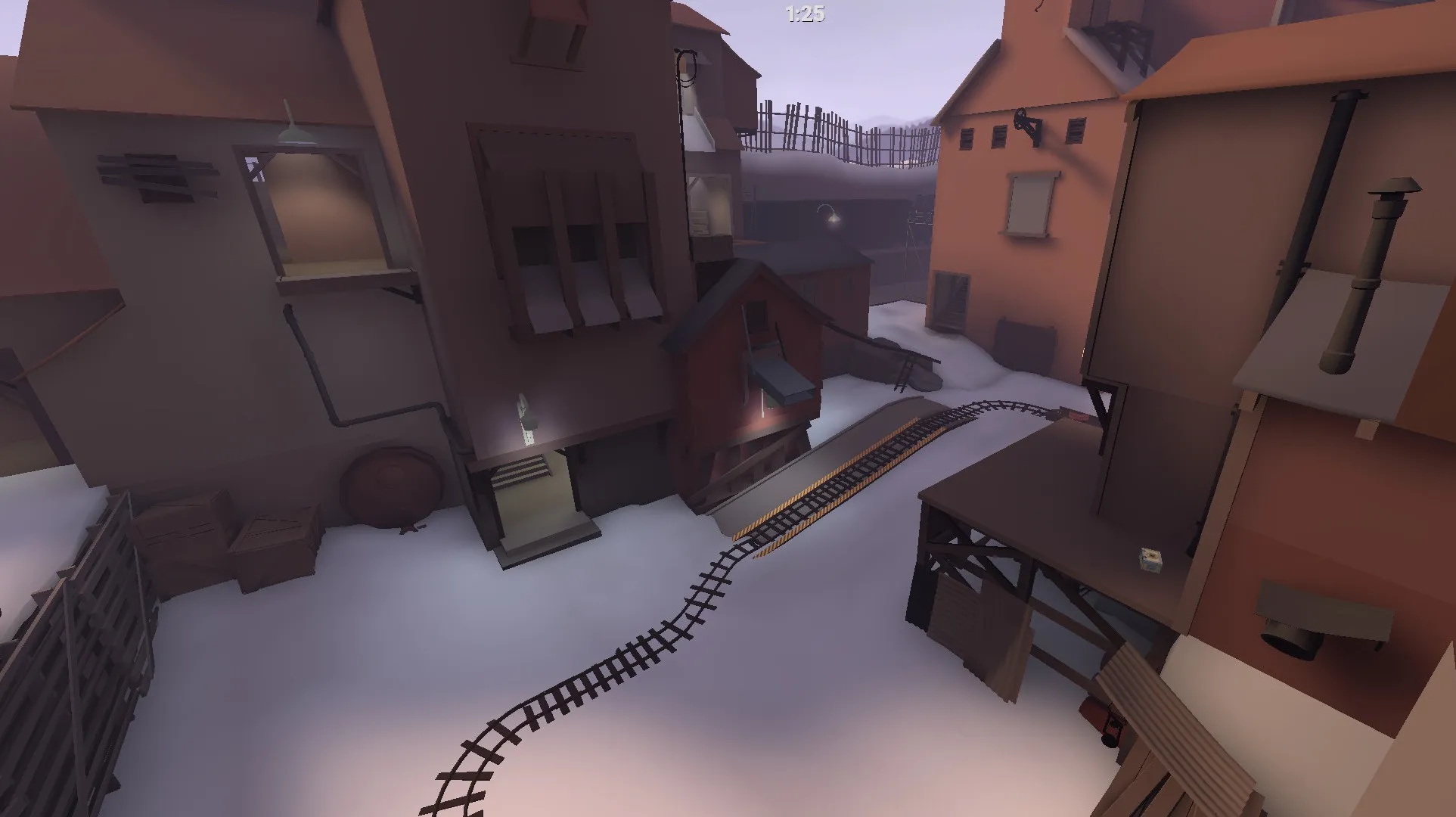
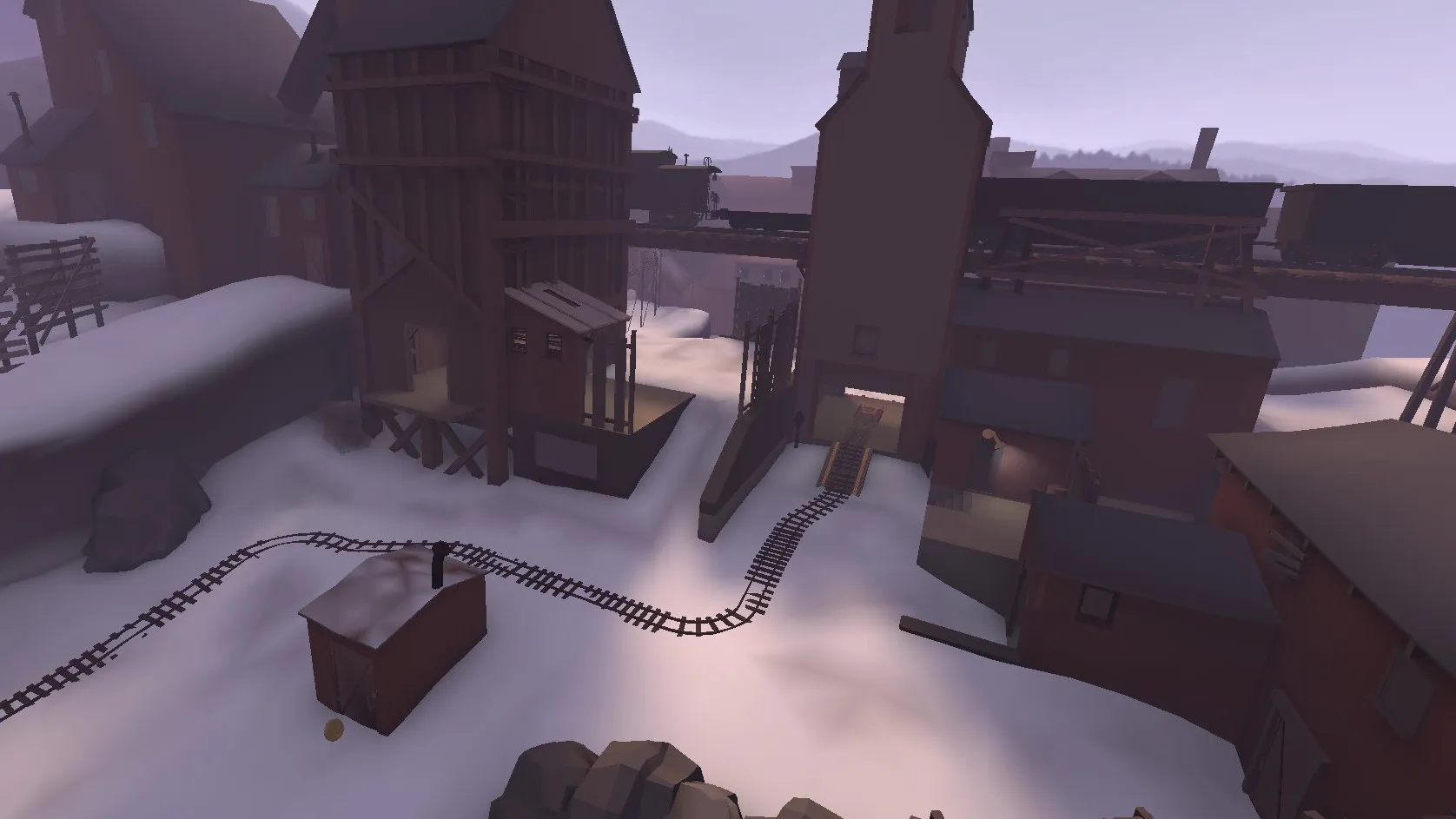
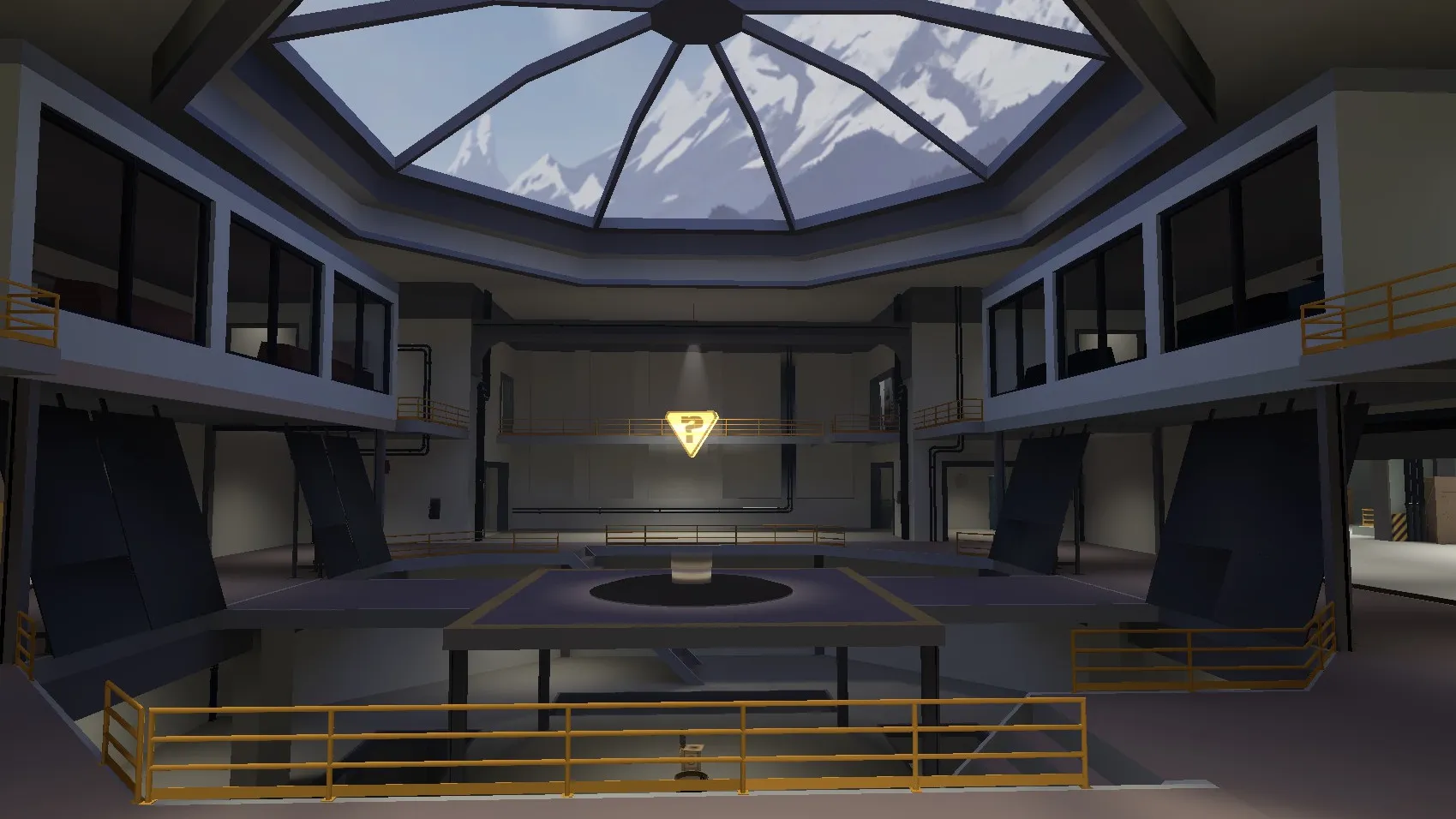
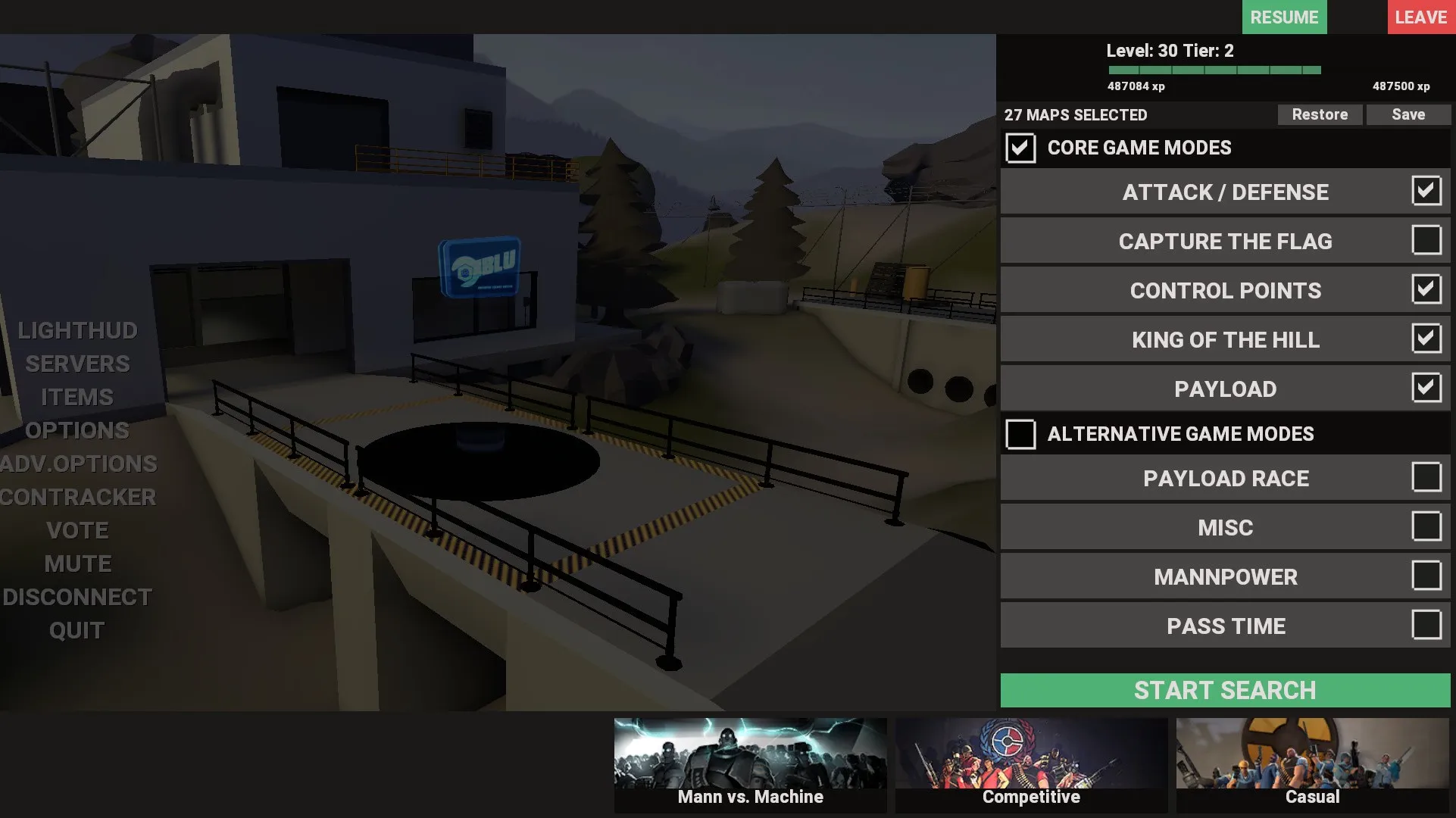
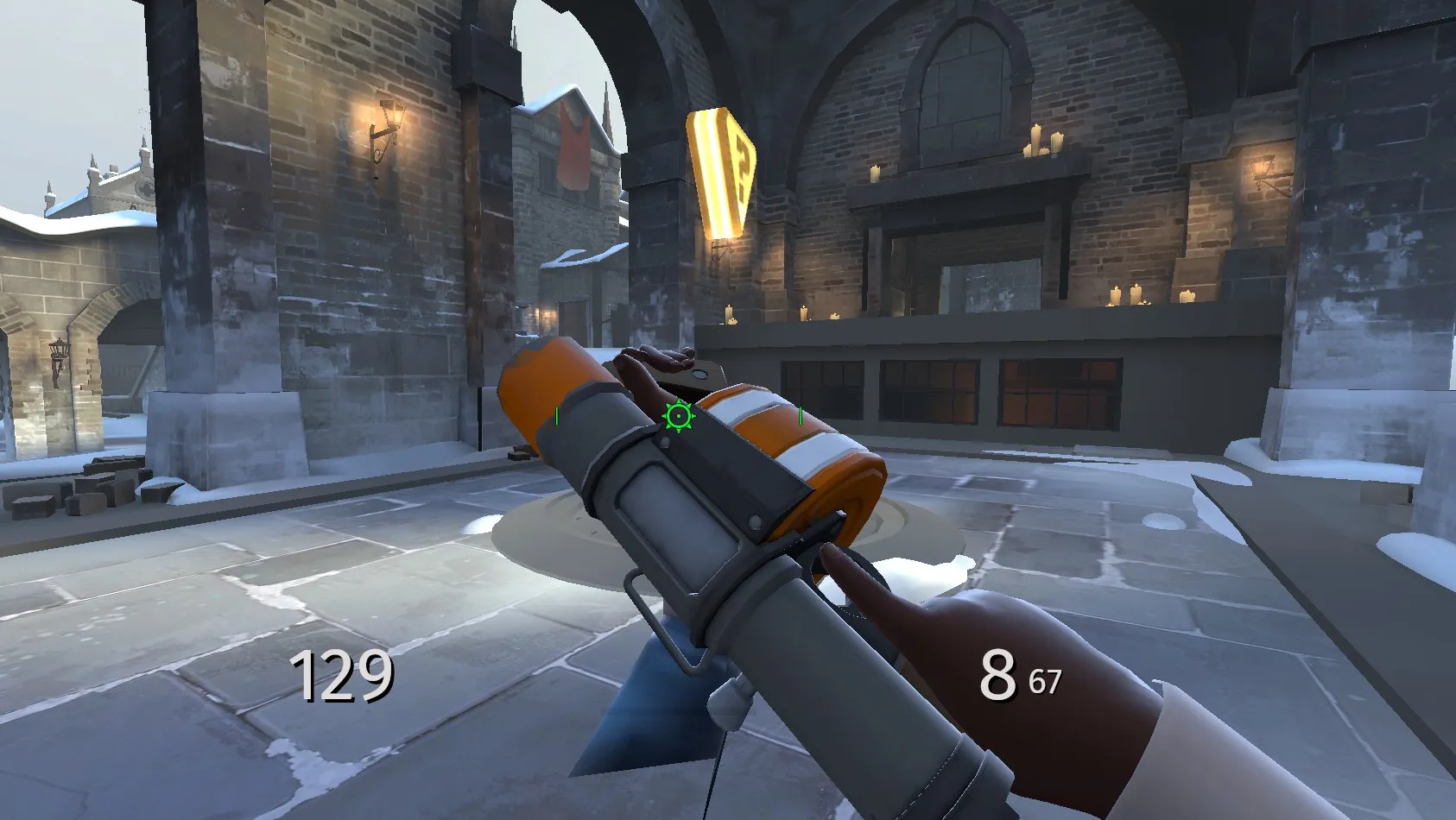
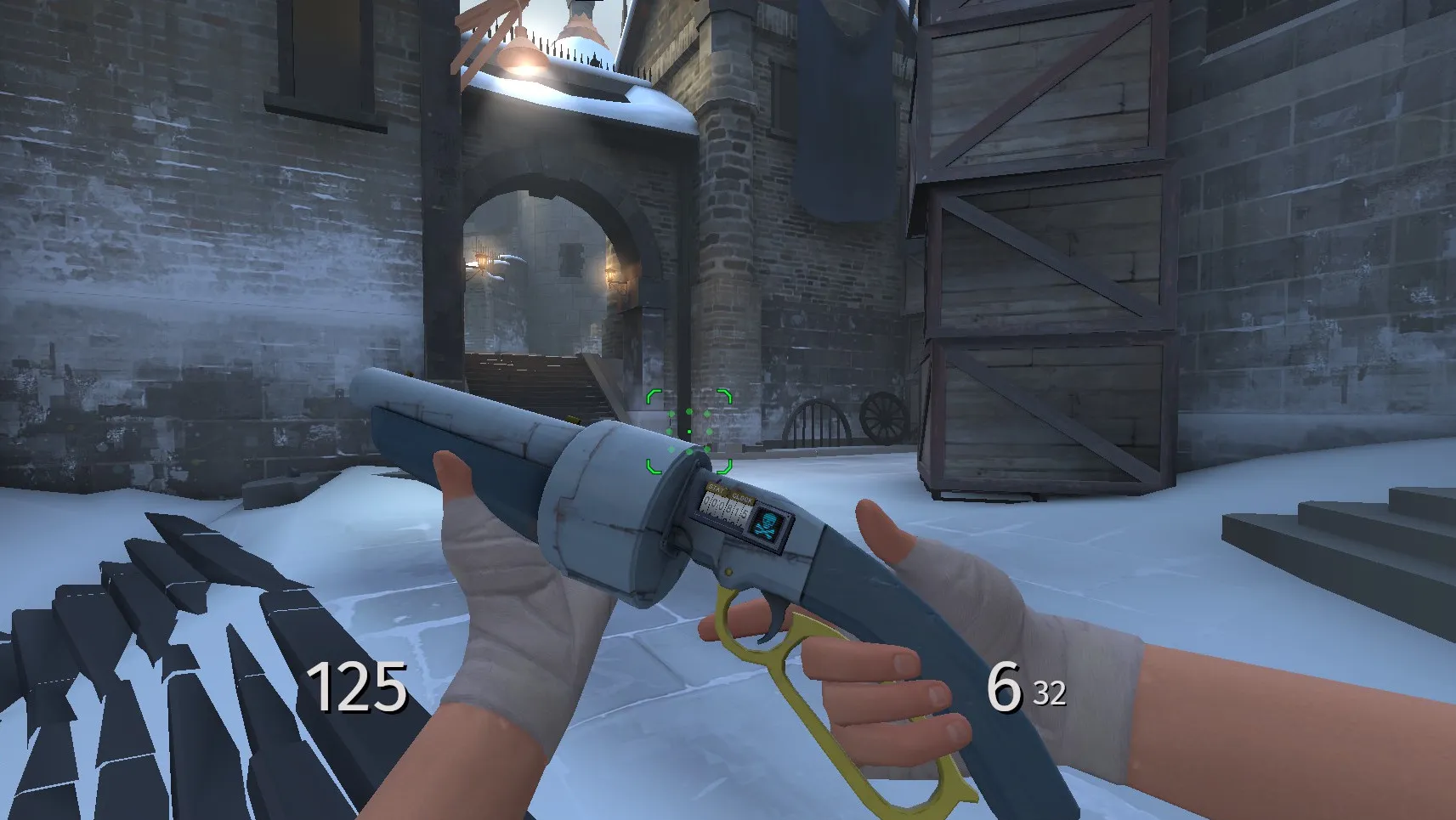
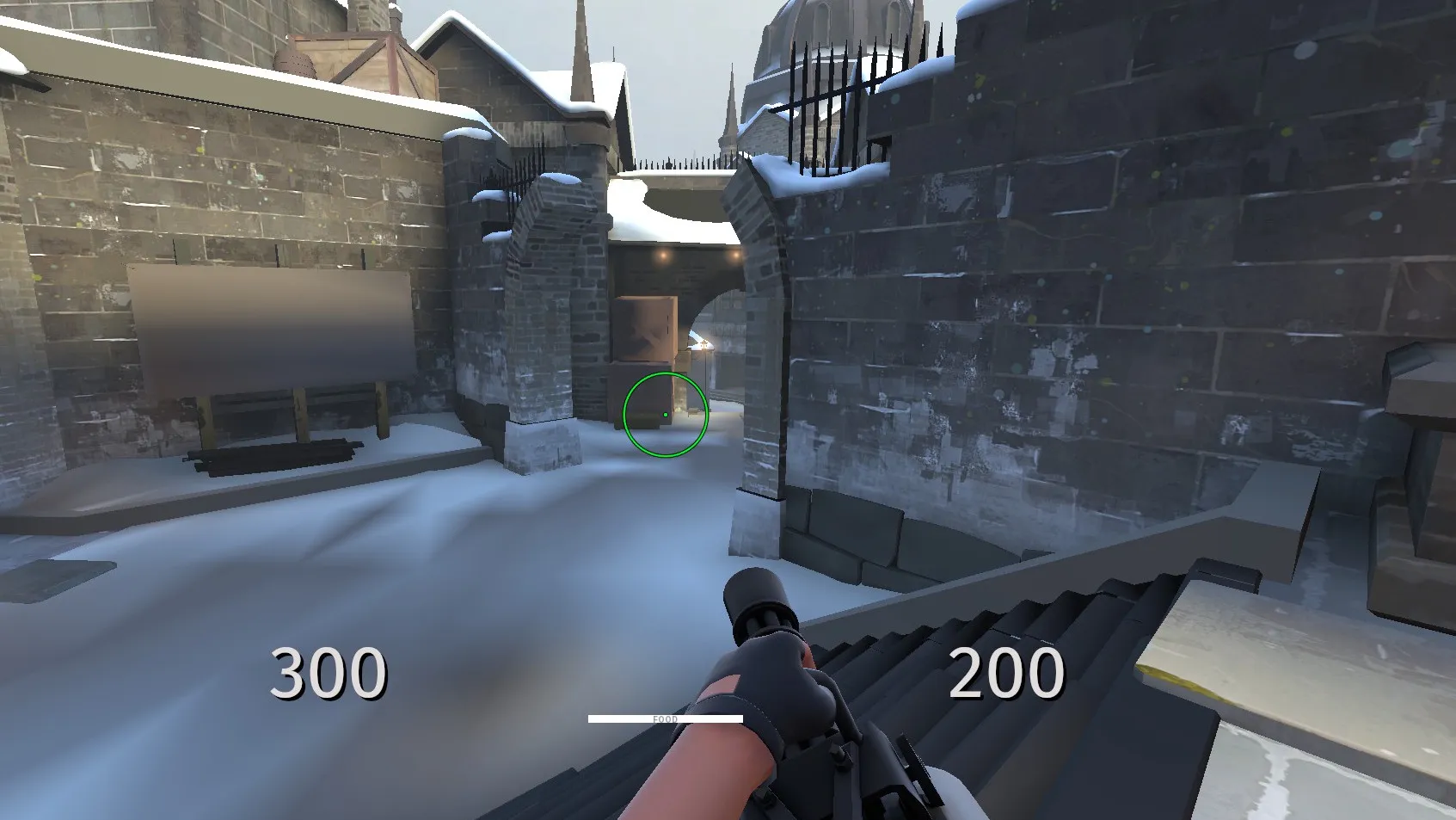
For the visuals, I always get super distracted and the longest time I’ve been playing with low res textures for the best visual clarity, but the game looks quite bad with them. I found this cool mod that gives you Flat Textures, and you can keep the texture resolution on high. So now the characters and weapons look crisp and detailed, but the game still looks very simple and readable.
Screenshots
Animations
When you compare TF2’s animations to any modern game, you can feel how outdated the game is. But thanks to the community in general and Kylul (whose animations I ended up using the most), the game gets to shine in a new light with animations that are not stiff anymore and have some follow through. I absolutely love the reanimated first person animations. And thanks to preloading, I’m able to enjoy the animations even when queuing for casual.
The Config
Now let’s talk about the meat. Like most people, I don’t know every command in TF2, so when I started I used cfg.tf to get a jumping off point with roughly the settings I would like. I then had to tweak some because I play on Linux and some settings made my game crash every time I loaded into a new map. But thanks to Git, I was able to keep track of all the changes and roll back when needed. Once I finished setting everything via commands, I never have to look at those god awful settings pages again. When I redo my computer and reinstall the game, I can just drop the config into my custom folder and I’m ready with all my perfect settings.
Extra Binds
Team Fortress 2 is a hectic game where you constantly need to react and pull off multiple things at once, so I’ve set up a handful of small binds that let me do a lot more in one keypress.
Quick loadout switch
To quickly switch loadouts, use F5, F6, F7, and F8 to select Loadouts 1–4.
Viewmodel toggle
You can hide viewmodels that are marked to be hidden via the T button. In the scout.cfg you can see which weapons are marked to be hidden. If you press T again, it will disable the hidden viewmodel script.
Engineer Binds
When playing Engineer, a lot of time is spent babysitting your buildings, so I want to avoid needless menuing. I’ve set up:
sentry(mouse3): destroys any existing sentry and builds a new one.dispenser(mouse4): does the same for the dispenser.teleport_entrance(7) andteleport_exit(mouse5): handle the teleporter ends. (I wantedteleport_entranceto be away from most buttons so I don’t fat finger it and destroy it. It happened many times.)
That way I can rebuild or destroy buildings fast without using the menu. I also unbound the pda because I didn’t want to open it on accident in the middle of a fight, and it’s also now useless to open because of the binds.
//engineer settings
//Made with cfg.tf - custom Team Fortress 2 config generator

exec binds
echo Setting up Engie Binds
viewmoddelstate
// Scripts
alias sentry "destroy 2 0; build 2 0;"
alias dispenser "destroy 0 0; build 0 0;"
alias teleport_entrance "destroy 1 0; build 1 0;"
alias teleport_exit "destroy 1 1; build 1 1;"
// Eureka Teleport TBD

//Keybinds
bind mouse3 sentry
bind mouse4 dispenser
bind 7 teleport_entrance
bind mouse5 teleport_exit
//bind "0" "eureka_teleport 0"
//bind "-" "eureka_teleport 1"

bind "1" "slot1;viewmoddelstate"
bind "2" "slot2;viewmoddelstate"
bind "3" "slot3;viewmoddelstate_flipped"
// bind "4" "slot4;viewmoddelstate_flipped"
// bind "5" "slot5;viewmoddelstate_flipped"
unbind 4

// Helloween
// unbind mouse5
// bind r +use_action_slot_item
// bind f +reload
Medic Binds
The Medic has a cool double bind on the mouse buttons that I toggle with Y. Medic can play very differently depending on what medigun I’m running, so I wanted a quick way to swap between two complete sets of mouse binds.
When I press Y, the mouse switches to Vaccinator settings that way one mouse button corresponds to one resistance, so you don’t overshoot the resistance you want to toggle and you don’t need to look at the HUD to know you’ve got the right one. When I press Y again, it toggles back to the default mouse bindings so you can use them in, for example, MvM.
//medic settings
//Made with cfg.tf - custom Team Fortress 2 config generator

exec binds
bind "1" "slot1;viewmoddelstate"
bind "2" "slot2;viewmoddelstate_flipped"
bind "3" "slot3;viewmoddelstate_flipped"

bind "mouse5" +attack3
bind "mouse3" +use_action_slot_item
bind "mouse4" +reload

alias defaultmedicsettings "bind mouse5 +attack3; bind mouse3 +use_action_slot_item; bind mouse4 +reload"
alias vacinatorsettings "exec vaccinator.cfg"

// Double bind medic mouse
echo Loaded Custom viewmoddelstatmap
alias medicvac medicvac_defaultbind
alias medicvac_defaultbind "defaultmedicsettings; alias medicvac medicvac_vacinatorbinds;echo Medic default mouse settings loaded"
alias medicvac_vacinatorbinds "vacinatorsettings; alias medicvac medicvac_defaultbind;echo vacinator binds loaded"
medicvac_defaultbind

bind y medicvac

echo "medic has a double bind on the mouse press y to toggle btweeen them!"
Mute button
Now one of my favorite settings: the mute button. When I press B, everything gets muted text, voice, and even the stickers, for example the Conscientious Objector (we all know what TF2 players put on those…). So this button disables all of these things in one click and when i press it again it all comes back!
Demos
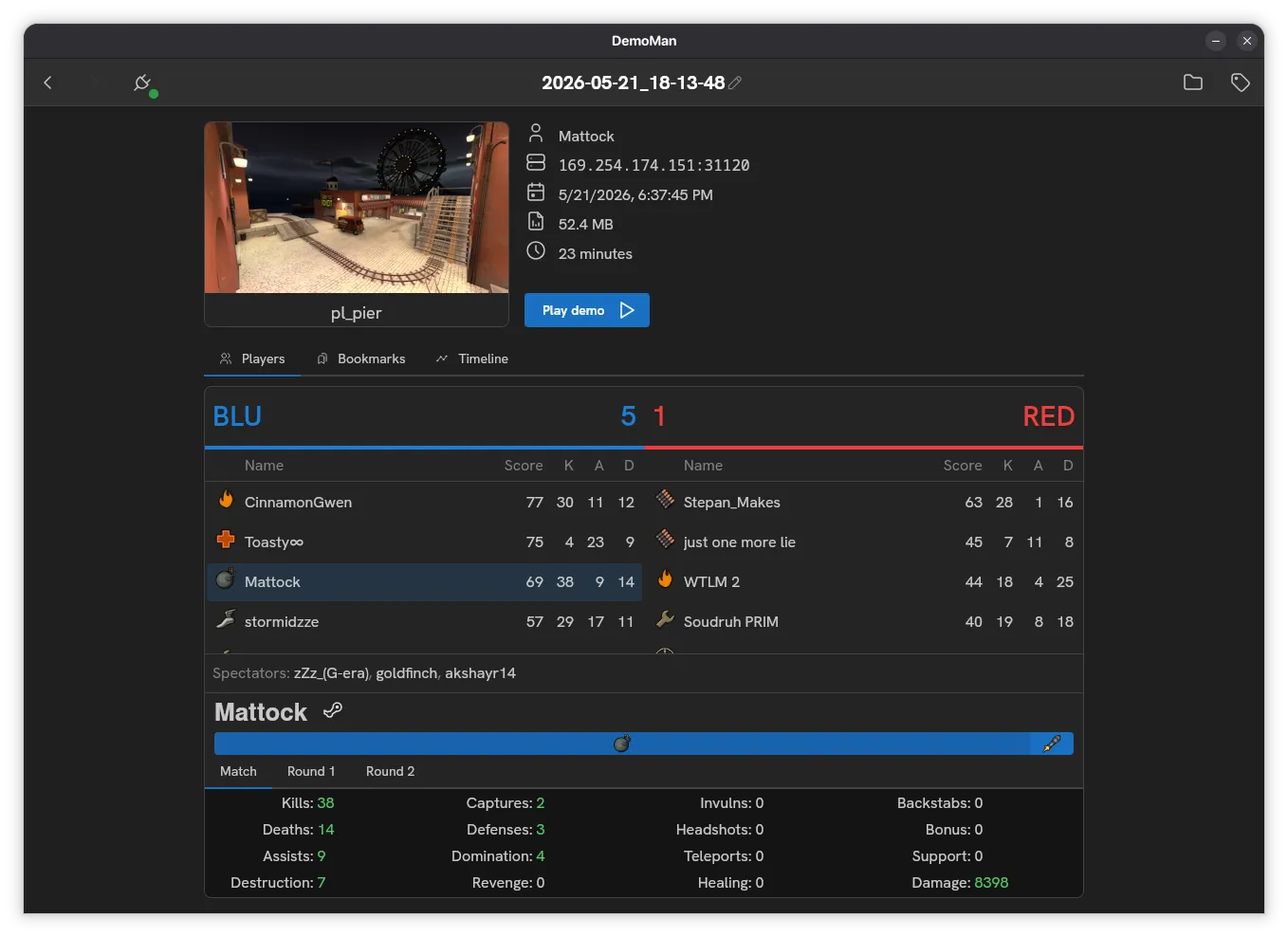 The game records every match, but that’s a lot of demos. I recommend Demoman for sorting through all the demo files it’s a nice GUI and you can see bookmarks to quickly jump to the clip.
Demo bookmark key
When you press I, you can bookmark a moment in the demo recording, so you can find it super easily when looking through all the demo files.
How to install
Download the config
Download the config
Download the lastest config
After that just paste the entire thing into the Team Fortress 2/tf/custom directory
I also have a config for Team Fortress 2 Classic
Credits
Kylul's Demo Animation Pack V1.1
Kylul's Engineer Animation Pack V1
Kylul's Heavy Animation Pack V.1
Kylul's Medic Animation Pack V1
Kylul's Pyro Animation Pack V.1
Kylul's Scout Animation Pack V1
Kylul's Sniper Animation Pack V1.2
Soldier First Person Animations Remade
Kylul's Spy Animation Pack V.1
Old Sticky Jumper and Rocket Jumper